01Cover

Structured
Voting Session

Structured voting on a collaborative whiteboard.

A voting experience for Zoom Whiteboard, built around the content teams already use.
RoleLead designerDuration2 months
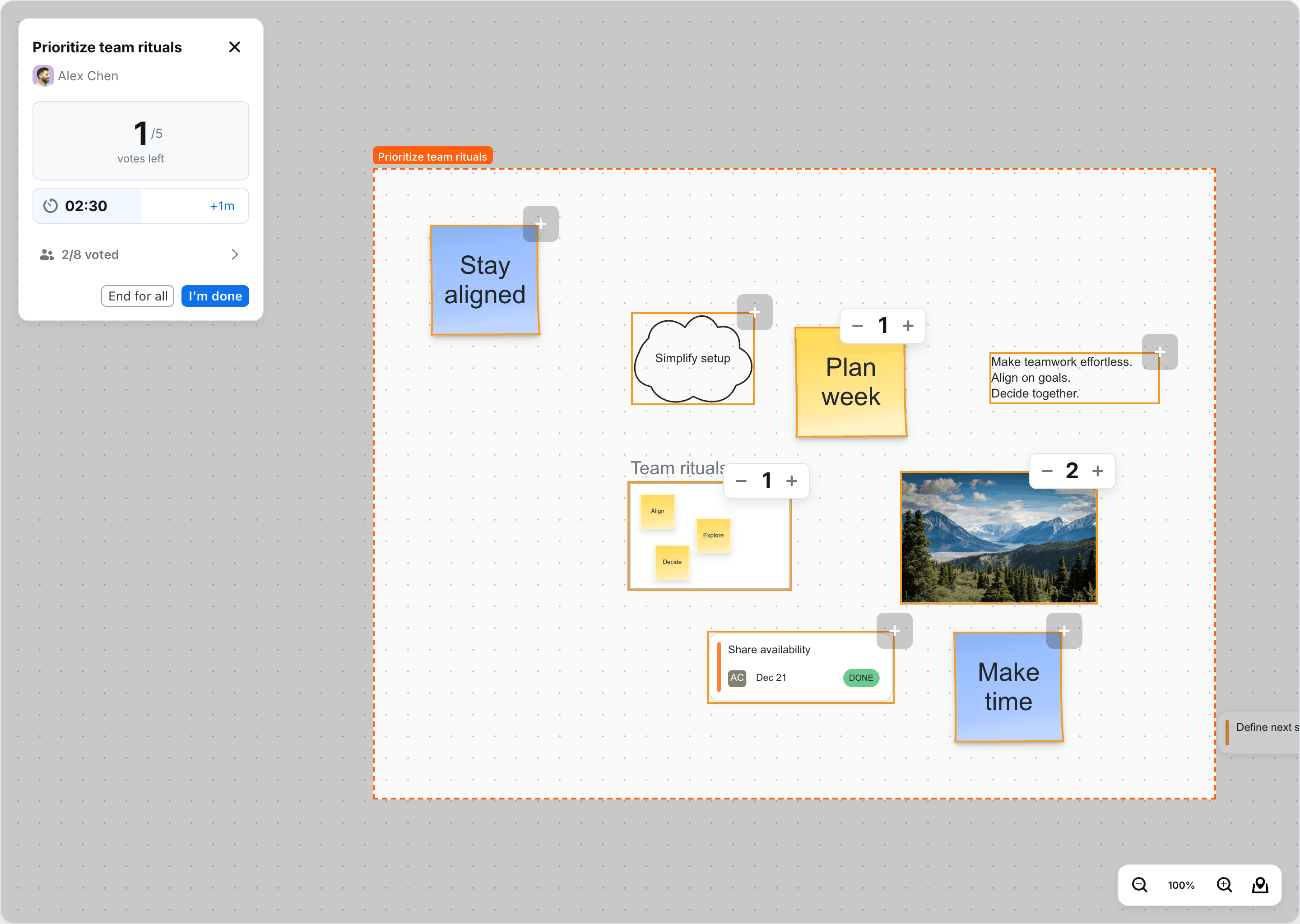
Voting in progress: four of five votes cast across three objects, with two minutes thirty seconds remaining.
02Discovery

From user jobs to design considerations

We mapped the jobs of initiators, voters, and facilitators to understand their needs throughout a voting session.

Define the voting experience

What can people vote on? What rules make a session structured, and how should those rules be set?

Fit voting into collaboration

How might voting coexist with ongoing work on the board, without interrupting others? How can participants find and return to a session after leaving?

Make results clear and unobtrusive

How should results be presented so they’re easy to understand without leaving vote counts permanently on the board? What happens to votes when an object is deleted?
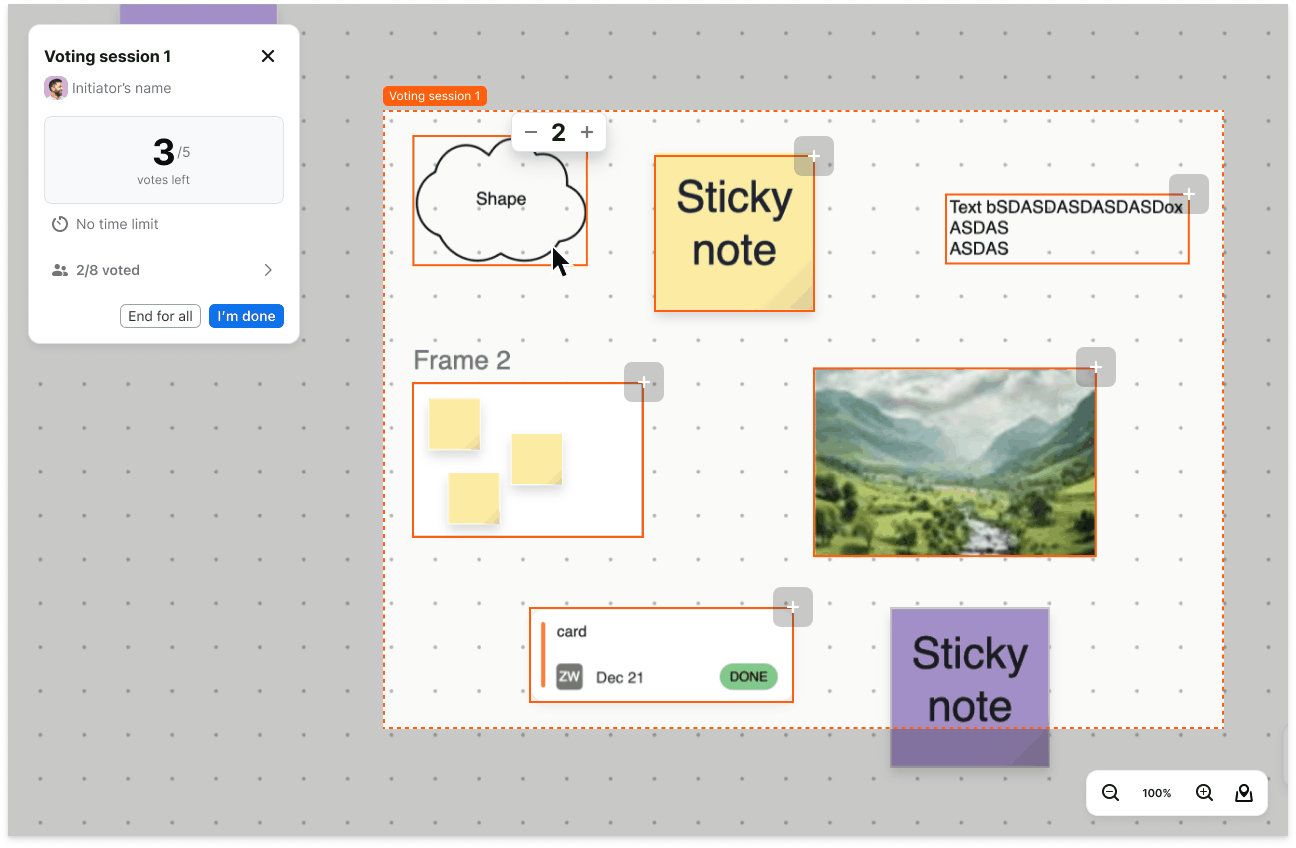
04Session overview
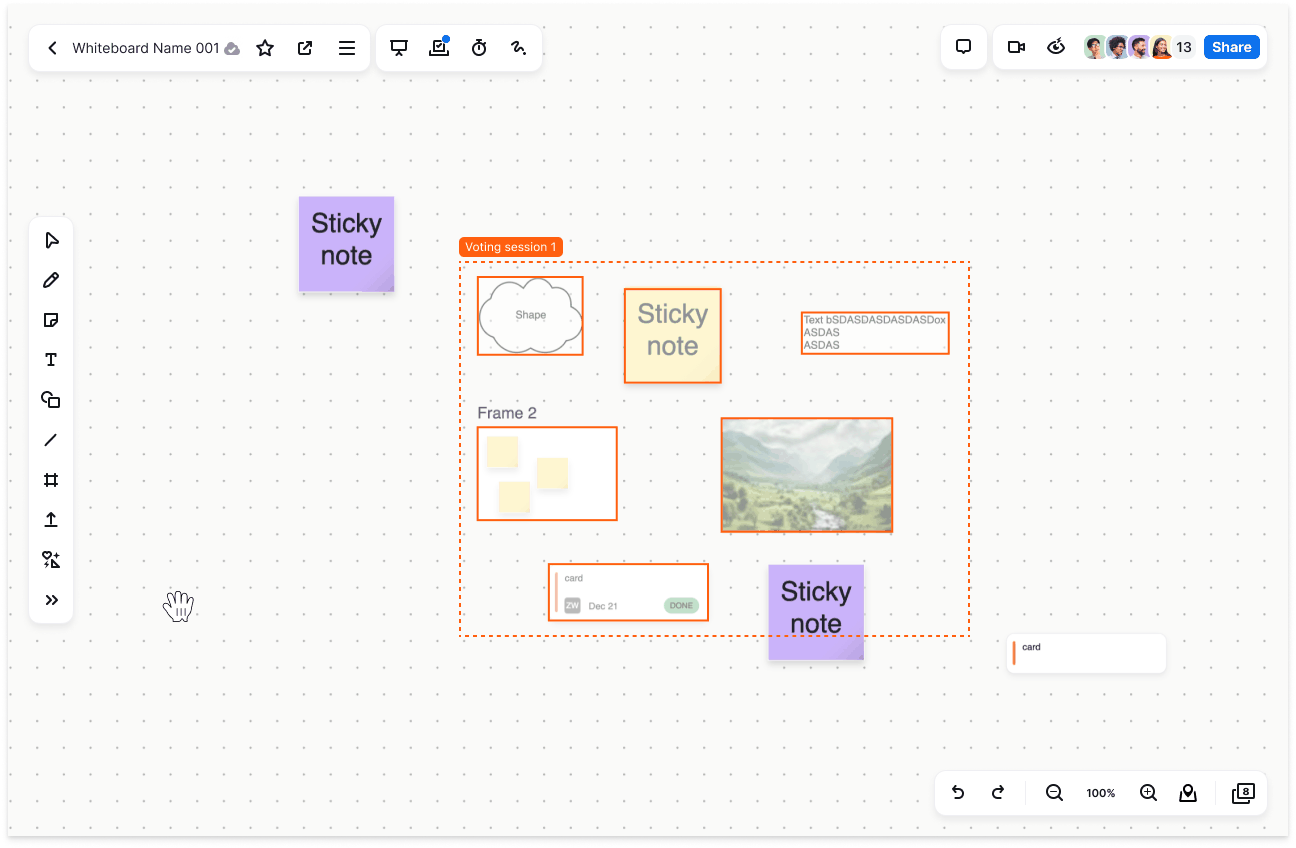
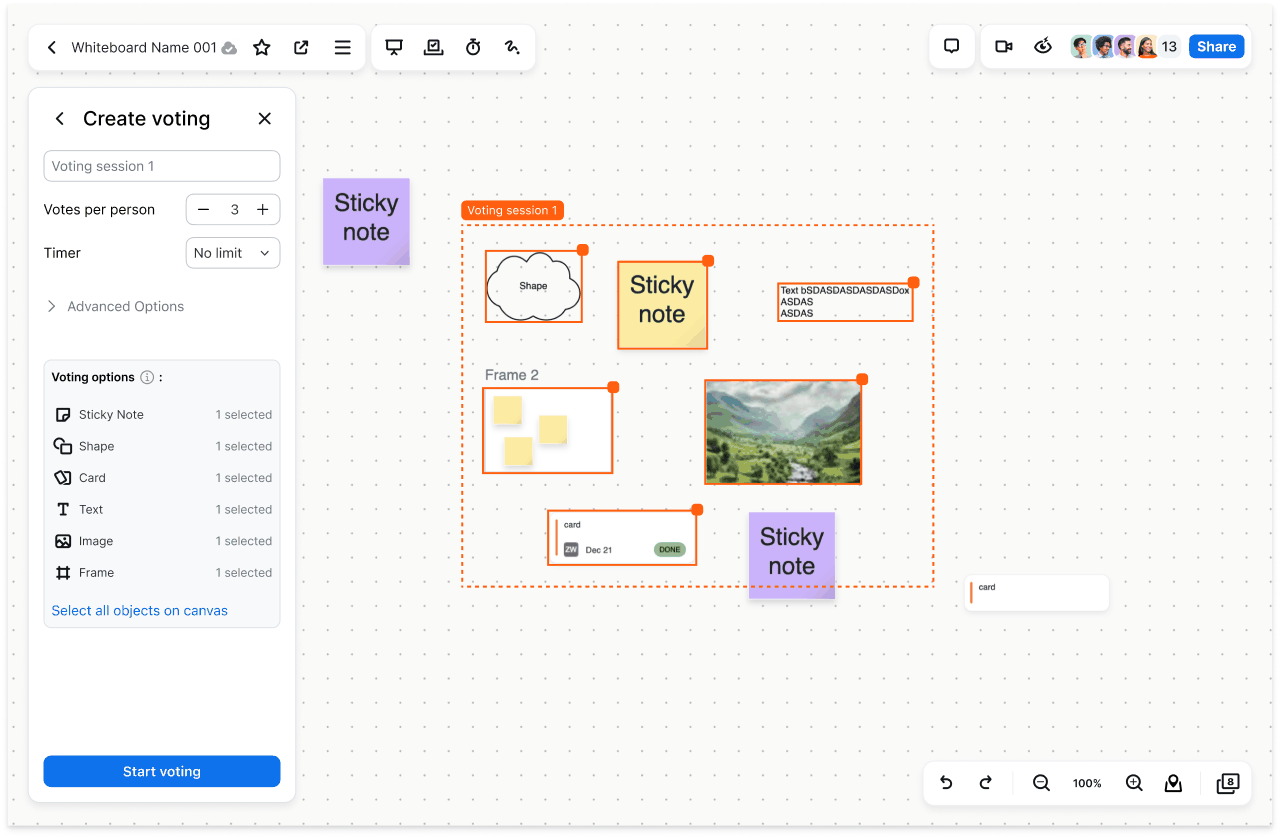
Create: Choose objects and set the rules.
Vote: Place and adjust votes on the canvas.
Return: Leave the mode and rejoin before it ends.
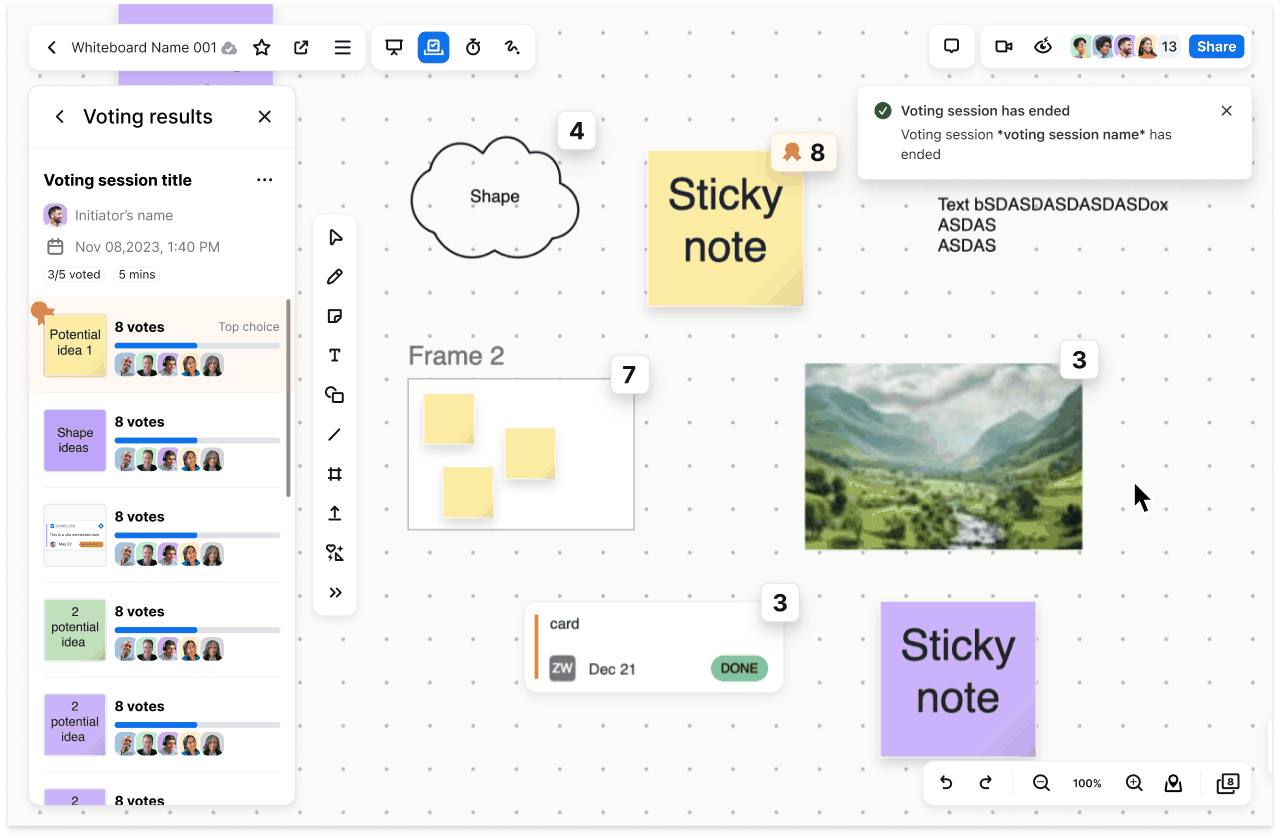
Results: Review the outcome and return to the content.

Session overview

Original Spec states. Example values vary between frames. A continuous demo will replace these images after prototype review.

04Explorations

Other explorations of the voting model

Preview (click to view)
Narrative
Pros
Cons

A shared voting layer

Resize a selection layer, set the rules, and bring everyone into the same voting session.

  • An immediate selection layer guides setup.
  • Dimming other content makes the voting area obvious.
  • Everyone is blocked from other work until voting ends.
  • Unsuitable for asynchronous voting.
  • Introduces a new selection-layer concept.

Vote on a duplicate

Select an area or objects, create a duplicate, and run the vote separately from the live board.

  • Board edits cannot affect the voting session.
  • People can easily leave and rejoin.
  • Acting on the original objects after voting becomes inconvenient.

Select objects, not the board

Select individual objects or box-select a group. Selected objects are brought forward during voting and remain marked when people leave voting mode.

  • Clearly identifies what can be voted on.
  • Supports frames and objects within frames.
  • Keeps the selected objects recognizable outside voting mode.
  • Introduces a new temporary selection-area concept.

Frame-based voting

Choose a frame or draw an area that becomes a frame. Lock it for the session, then store the outcome in voting history.

  • A visible boundary makes the voting area clear.
  • Locking the frame protects the options.
  • Choosing a voting area may be confusing.